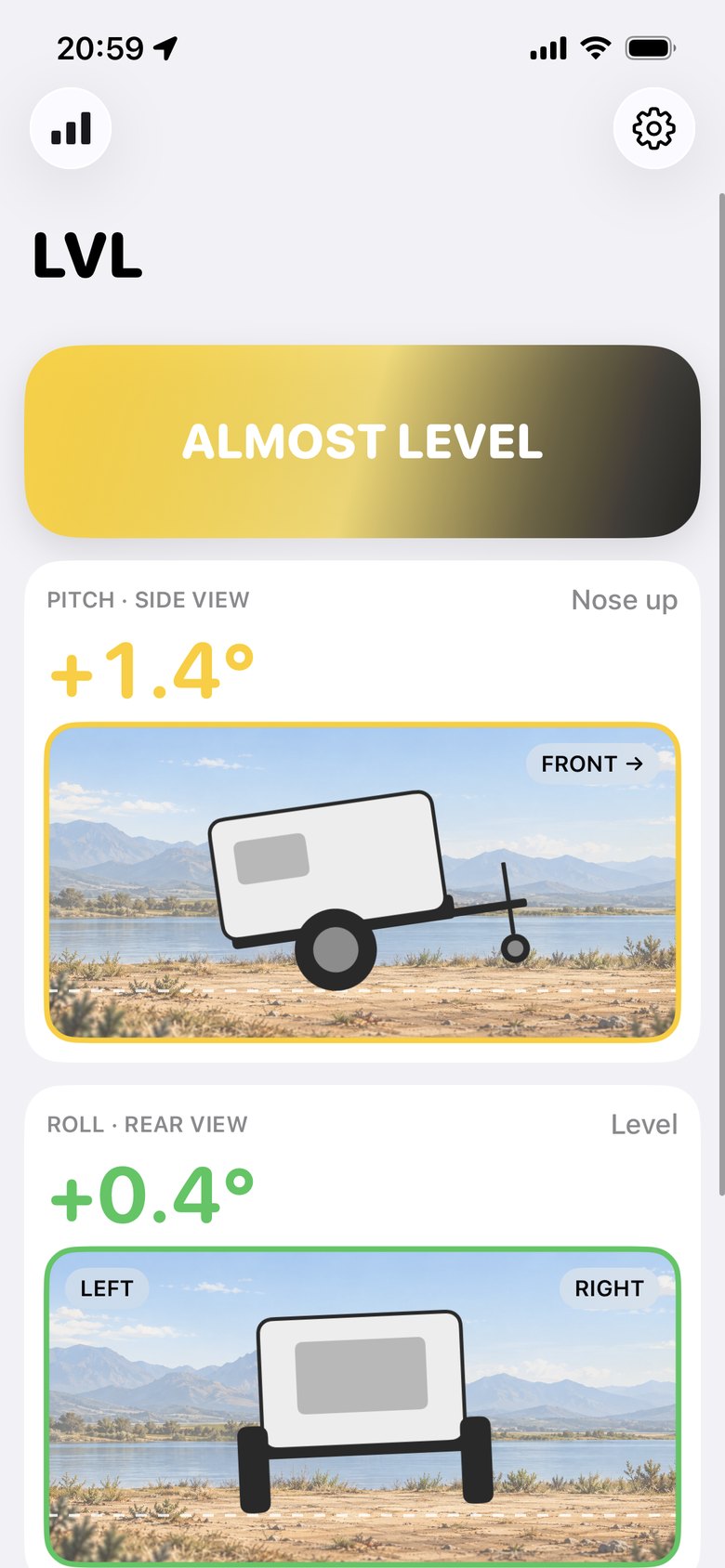
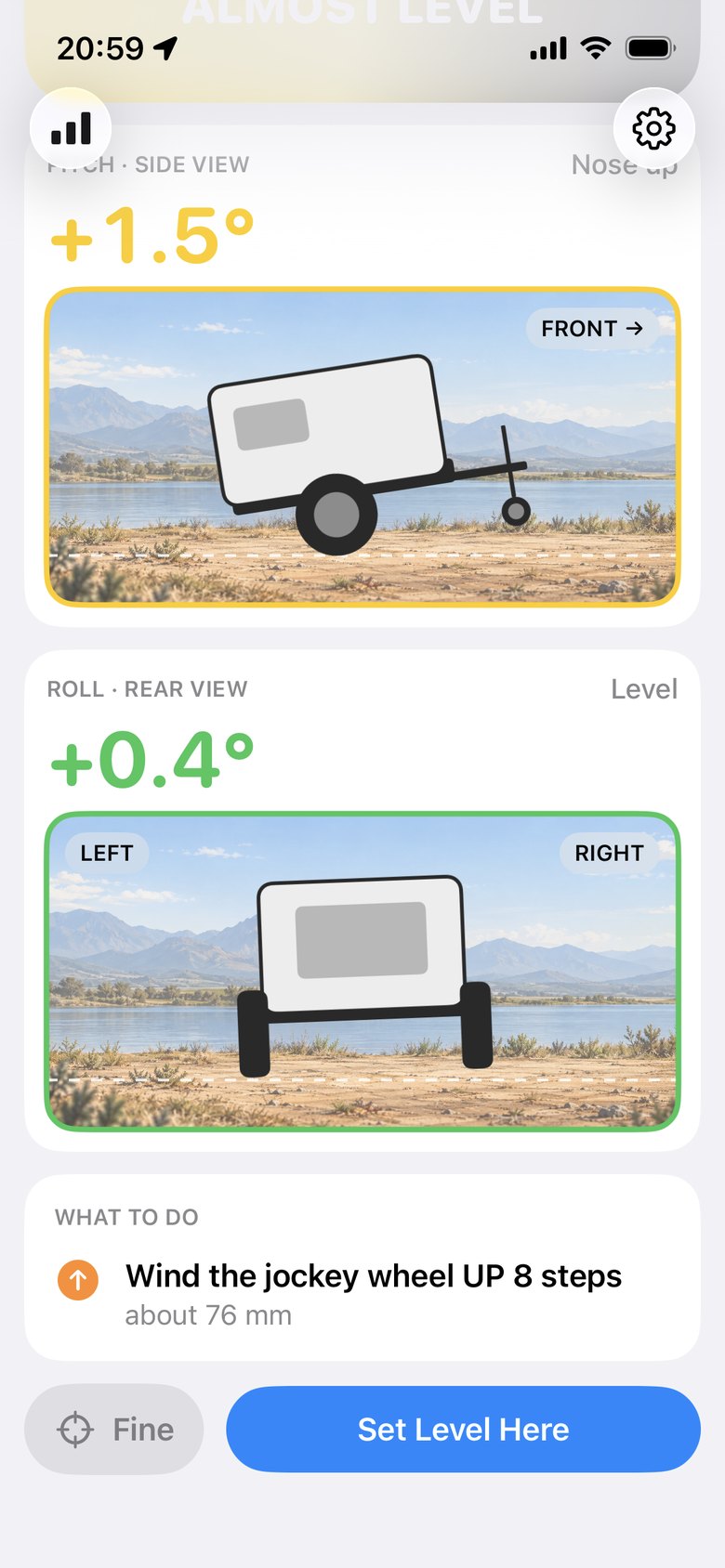
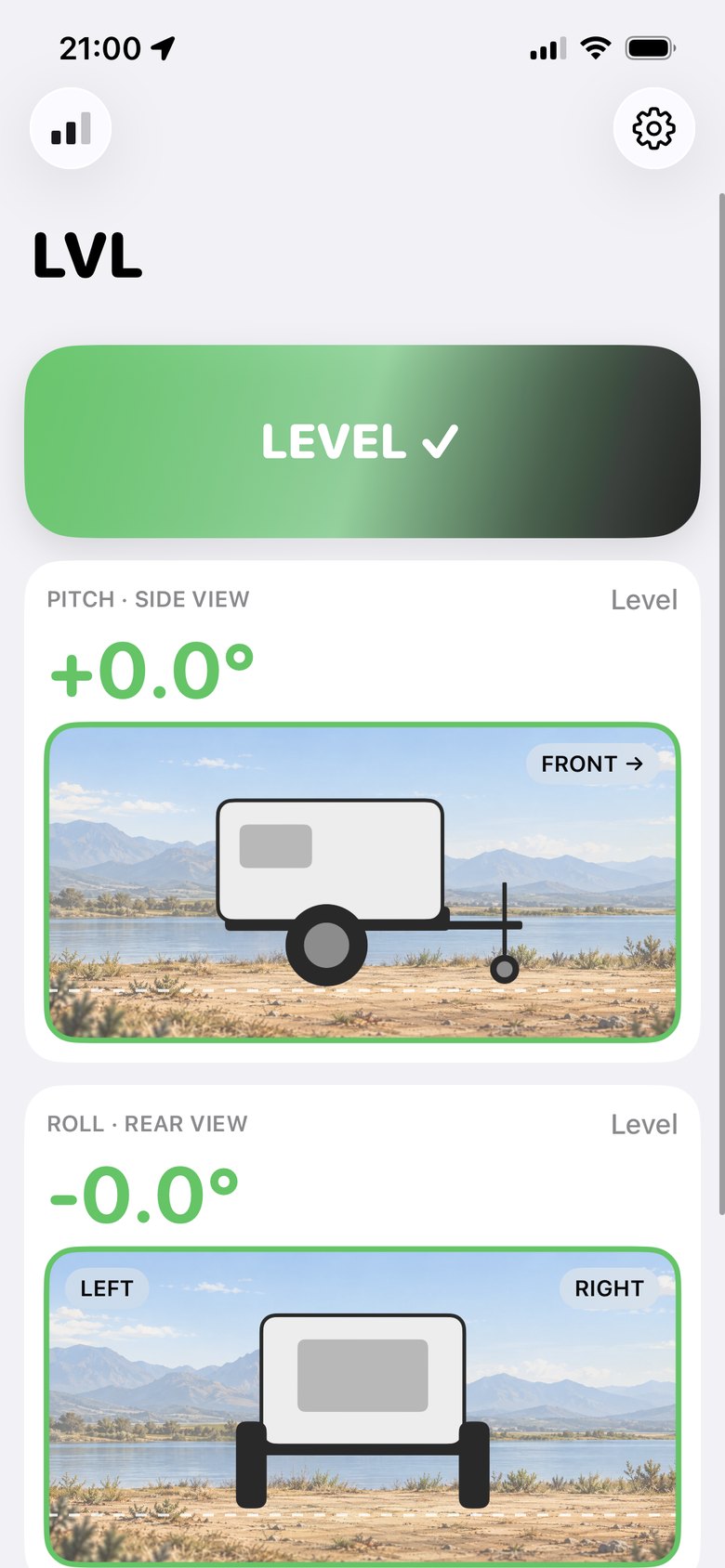
Two adjustments level any trailer.
A block under one wheel fixes side to side. The jockey wheel fixes front to back. LVL Level tells you how much of each.
Park and open the app
The app connects to the unit in your trailer over Bluetooth and shows the pitch and roll as they are right now.
Side to side first
The app gives you a block height and tells you which wheel it goes under. Drive onto the block.
Then front to back
Wind the jockey wheel the number of turns shown. The reading updates as you wind.
Level
The screen turns green and your phone buzzes once. That is it.
It knows your trailer.
An angle on its own does not tell you much. LVL uses your trailer's own length and width to turn degrees into something you can act on: millimetres of block and turns of the jockey wheel.
The unit is fitted once, out of sight, and runs from the trailer's power. There is nothing to stick on the outside and nothing to charge.
Try it.
Tilt the trailer with the sliders and see what the app would tell you.
This demo uses an example trailer and exaggerates the tilt in the picture so you can see it. The app uses your trailer's real dimensions.
The app, as it looks at camp.